
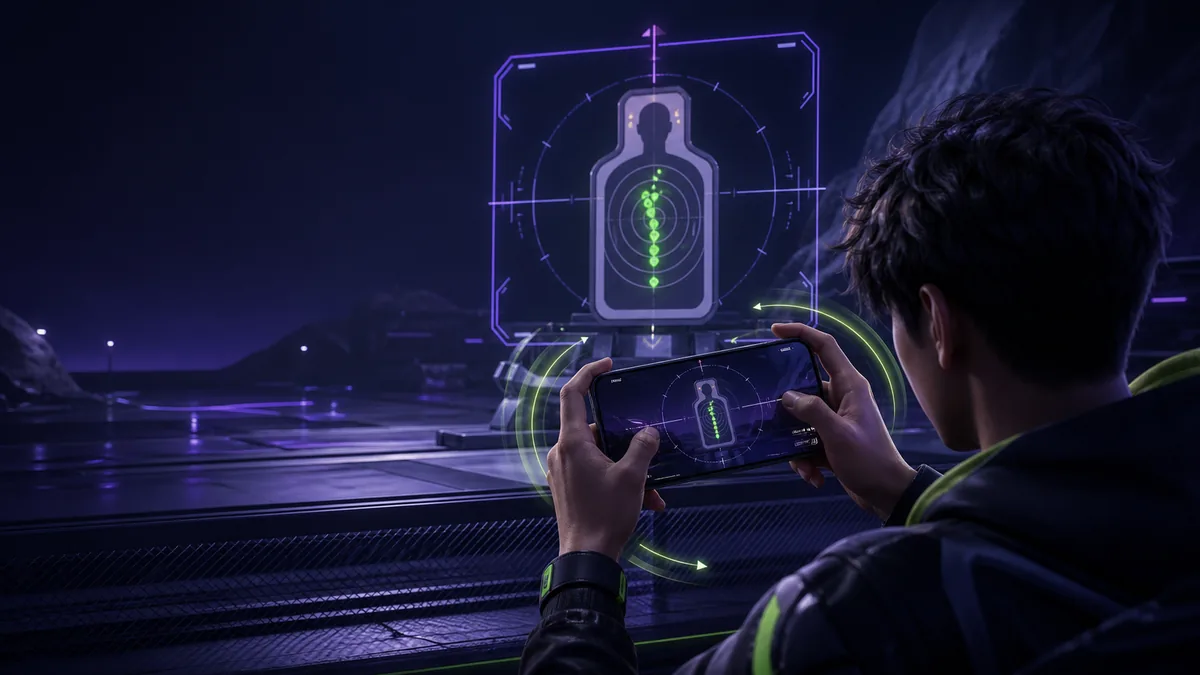
Gyroscope aim turns small phone movements into camera movement. In BGMI, that can help with micro-adjustments, target tracking, and recoil control—but only when the settings match your device and your hands. This BGMI gyroscope guide gives you a safe tuning method and a practical training routine instead of a “magic” sensitivity code.
KRAFTON’s official BGMI update notes confirm that players can tune gyroscope sensitivity, use a gyroscope-reverse option, and customise firearm sensitivity. Those tools are flexible by design. The right values are therefore personal: screen size, sensor quality, frame-rate stability, grip, and the amount of thumb input all change the result.
What gyroscope does in BGMI
With gyroscope enabled, tilting the device moves the in-game aim. A gentle downward tilt can help counter vertical recoil during a spray, while small left-right movements can correct tracking. The thumb and gyroscope are not rivals. Many players use the thumb for large turns and the gyro for fine correction.
Gyroscope does not remove recoil automatically. You still need a stable stance, appropriate attachments, controlled firing, and consistent movement. If you are building the rest of your setup, start with the BGMI complete guide and the separate BGMI sensitivity guide.
Choose a gyroscope mode
Scope On
In this mode, the gyro becomes active while aiming down sights or using a scope. It is easier for some beginners because normal camera movement remains familiar. The trade-off is that you cannot use the gyro for every hip-fire or pre-aim correction.
Always On
Always On lets the sensor influence aim throughout more of the engagement. It supports continuous tracking and fast corrections, but accidental hand movement becomes more visible. New players may initially feel that the crosshair floats.
Pick one mode for a full practice cycle. Switching every match slows adaptation. If Always On feels overwhelming, begin with Scope On, learn controlled tilting, and change later only when you have a clear reason.
Prepare the device before changing sensitivity
- Use a stable frame-rate option: inconsistent performance makes the same hand motion feel different from one fight to the next.
- Remove physical instability: clean the screen, use a secure grip, and avoid a charging cable that pulls the phone.
- Check system rotation and sensors: restart the device if the aim drifts unexpectedly, and use the phone maker’s diagnostic or calibration feature when available.
- Keep one HUD: changing buttons and gyro values together makes it impossible to identify what helped.
- Warm up the phone: test under normal playing conditions, but stop if the device becomes uncomfortably hot.
The BGMI lag guide can help you separate performance instability from aiming problems. A network delay or frame drop is not fixed by higher sensitivity.
BGMI gyroscope guide: tune one scope at a time
Do not paste a full set of numbers and judge everything from one match. Use Training Ground, select one familiar weapon and attachment set, and tune each scope independently.
Step 1: establish a baseline
Keep your current values or begin from the game’s defaults. Choose a fixed target and a repeatable distance. Fire several sprays while using your normal grip. Ignore the best attempt; look for the pattern that appears most often.
Step 2: diagnose the direction of error
- If the spray climbs even though your downward tilt feels comfortable, the relevant gyro value may be too low.
- If the crosshair is pulled below the target or feels nervous, it may be too high.
- If the pattern moves randomly left and right, first check grip tension, thumb input, attachment consistency, and frame stability.
Step 3: adjust in small steps
Change only the scope being tested, and use a small adjustment rather than a dramatic jump. Repeat the same drill. A value is useful when you can reproduce a controlled result without straining your wrist—not when it produces one perfect spray.
Step 4: confirm at two distances
A setting that looks good on a nearby target can be unstable at range. Test a short spray at medium distance and a longer spray closer in. Keep the value only if both feel controllable.
Step 5: validate in a real-fight mode
Training targets do not strafe, shoot back, or create pressure. After the range, use an unranked or practice-friendly mode to test tracking, peek timing, and recovery after movement. Avoid changing values after a single bad fight.
BGMI has historically added more granular sensitivity controls, including tunable gyro and firearm-specific settings, as documented in its official update notes. Menu labels may move between versions, so use the current in-game settings screen as the source of truth.
How to control recoil with gyroscope
Start the correction as the spray begins
Waiting for the crosshair to climb creates a chase. Apply a smooth downward tilt as firing starts, then make smaller corrections based on the visible pattern. Avoid a sudden wrist snap; it often pulls the crosshair past the target.
Use bursts before long sprays
Short bursts reveal whether the first part of your correction is stable. Once the opening bullets stay close to the intended point, extend the burst gradually. Long sprays hide timing mistakes because several errors can blend into one large pattern.
Separate vertical control from tracking
Practise vertical recoil on a fixed target first. Then practise horizontal tracking on a moving target without firing. Finally combine both. Training one component at a time makes the source of an error easier to see.
Keep the same test loadout
Weapons and attachments behave differently. Use one dependable loadout while tuning so that the input stays comparable. After your baseline is stable, repeat the process for other weapons. The best guns in BGMI guide helps explain where different weapon roles fit.
A 20-minute gyro practice routine
- Four minutes—centre control: keep the crosshair on a fixed mark while making small device movements.
- Four minutes—scope transitions: open and close the sight, reacquire the same point, and avoid over-correcting.
- Four minutes—vertical recoil: use one weapon and scope; compare several short, repeatable sprays.
- Four minutes—moving target tracking: follow smoothly before firing, then add controlled bursts.
- Four minutes—movement and peek: strafe or leave cover, settle the crosshair, shoot, and return.
Keep a short note with the date, device, frame-rate option, scope, old value, new value, and result. Without notes, players often cycle back to settings that already failed.
Fix common gyroscope problems
Crosshair drifts while the phone is still
Place the device on a stable surface and check whether the drift continues. Restart BGMI and the phone, inspect any system sensor diagnostics, and remove magnetic accessories if the device maker warns they may interfere. If the sensor behaves abnormally in other apps, the issue may be at device level rather than in BGMI.
Aim shakes at high magnification
High-magnification scopes expose tiny hand movements. Reduce tension in your grip, support your hands consistently, and adjust that scope independently. Do not lower every scope because one magnification feels unstable.
Recoil is controlled but tracking feels slow
This usually means a single value is being asked to solve two different jobs. Test whether your thumb can handle the large horizontal movement while the gyro handles fine control. If the relevant gyro value changes, do it gradually and retest recoil.
Settings feel different after an update
Confirm that your frame-rate, graphics, gyro mode, per-scope values, and control layout are unchanged. Read current official patch notes before assuming a hidden mechanic change. KRAFTON has changed and expanded settings options before, including firearm sensitivity and gyroscope reverse.
HUD, grip, and frame rate matter
A gyro setup is part of a larger control system. If the fire button forces your hand to squeeze, the phone may tilt unintentionally. If the scope button is hard to reach, the crosshair can jump during activation. Use the BGMI HUD and control-layout guide to build comfortable button placement, then retune only if the physical grip changes.
Prioritise a frame rate your phone can hold during extended play. A visually impressive setting that repeatedly throttles may harm consistency. Keep ventilation clear, avoid playing under a pillow or blanket, and pause when the device becomes uncomfortably hot.
Fair-play note
Gyroscope tuning, in-game controls, and normal practice are legitimate. Recoil scripts, modified clients, macros, and third-party automation are not training tools. KRAFTON states that illegal programs and cheats can lead to permanent sanctions; use only supported controls and the official game client.
Frequently asked questions
Is Always On gyroscope better than Scope On?
Neither is universally better. Always On offers continuous sensor input; Scope On can be easier during the learning stage. Choose the mode that produces stable, repeatable control with your grip.
Can I use a pro player’s sensitivity code?
You can use it as a starting point, but it will not automatically match your phone, sensor, frame rate, screen size, or hand movement. Validate every scope and change values based on your own test pattern.
Why does my aim go upward while spraying?
Your downward correction may start late or may not be strong enough for that weapon, scope, and posture. Test timing first, then make a small scope-specific adjustment if the repeated pattern still climbs.
How often should I change gyro sensitivity?
Change it only when repeated testing reveals a consistent problem, or when a device, grip, frame-rate, or control-layout change alters your input. Constant adjustments prevent muscle memory from settling.
Final checklist
Choose one gyro mode, stabilise device performance, tune one scope at a time, diagnose repeated patterns, adjust gradually, and validate in real engagements. Consistency is the goal; no single number creates “no recoil” for every player.
Browse more guides in the BGMI category, or return to Payal Gaming for Free Fire, BGMI, and mobile gaming tutorials.